
Patrol Info is a setting that automatically opens an Event form every time a new Patrol is started. This lets field teams capture structured details — such as Patrol objectives, team members, or transport mode — at the beginning of each Patrol, linked directly to that patrol record.
Configure Patrol Info
Patrol Info is configured in Settings > Data Collection > Patrol Info Settings.
From here you can:
- Toggle Patrol Info on or off
- Select which event type opens automatically when a patrol star
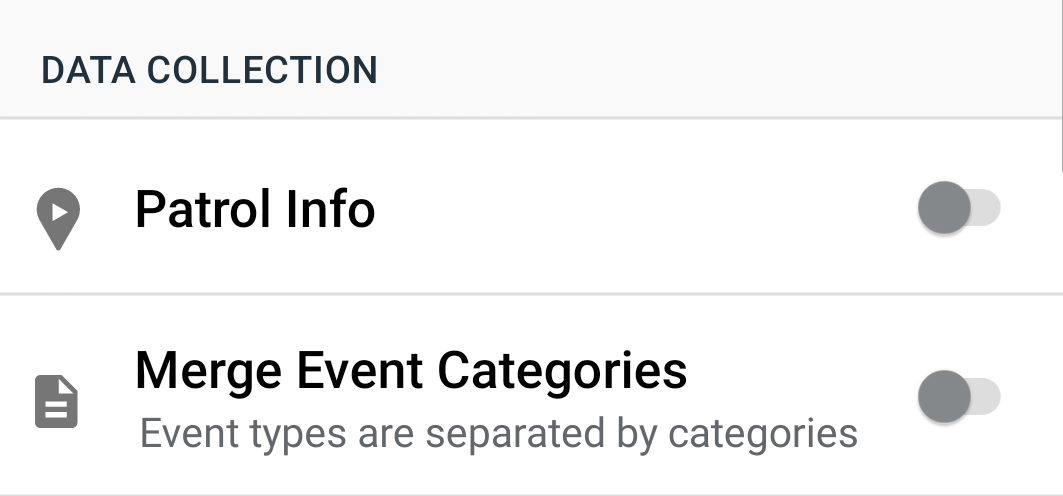
Patrol Info: OFF
When Patrol Info is off, the standard patrol start workflow applies and no event is created automatically.
Go to Settings > Patrol Info and confirm the toggle is off |
 |
Tap Start Patrol |
 |
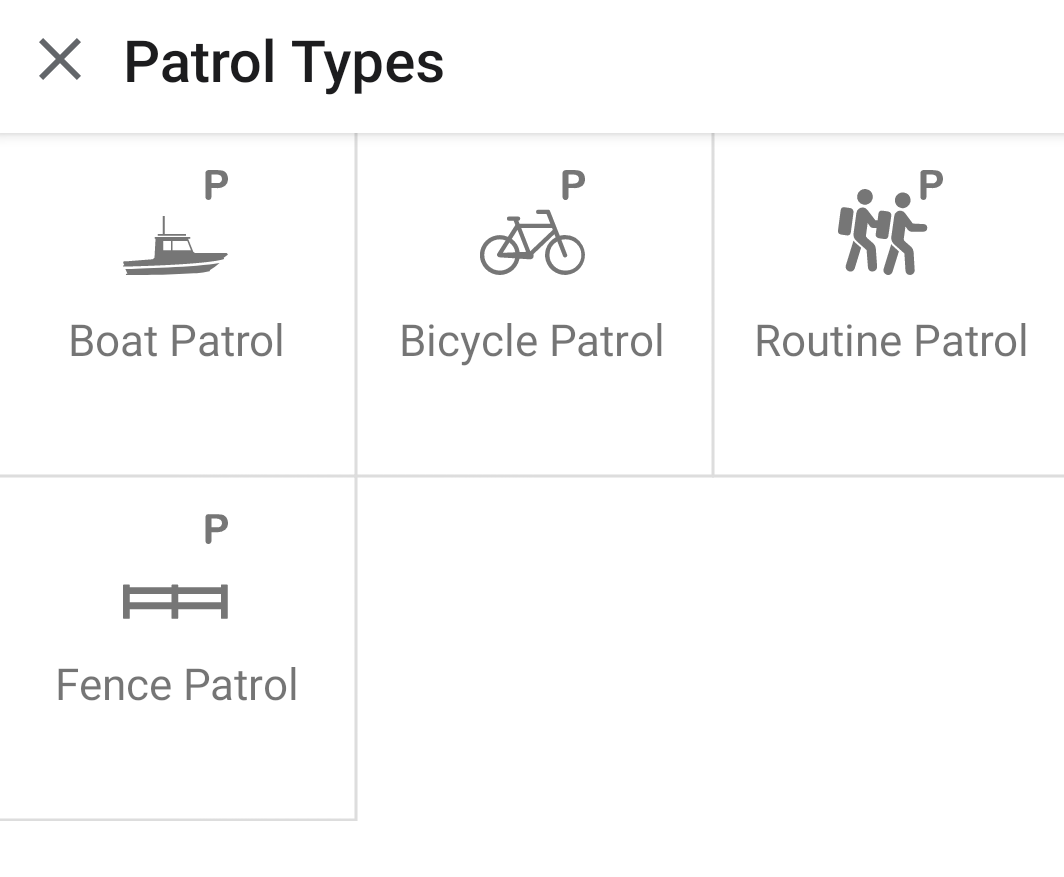
Select a Patrol Type |
 |
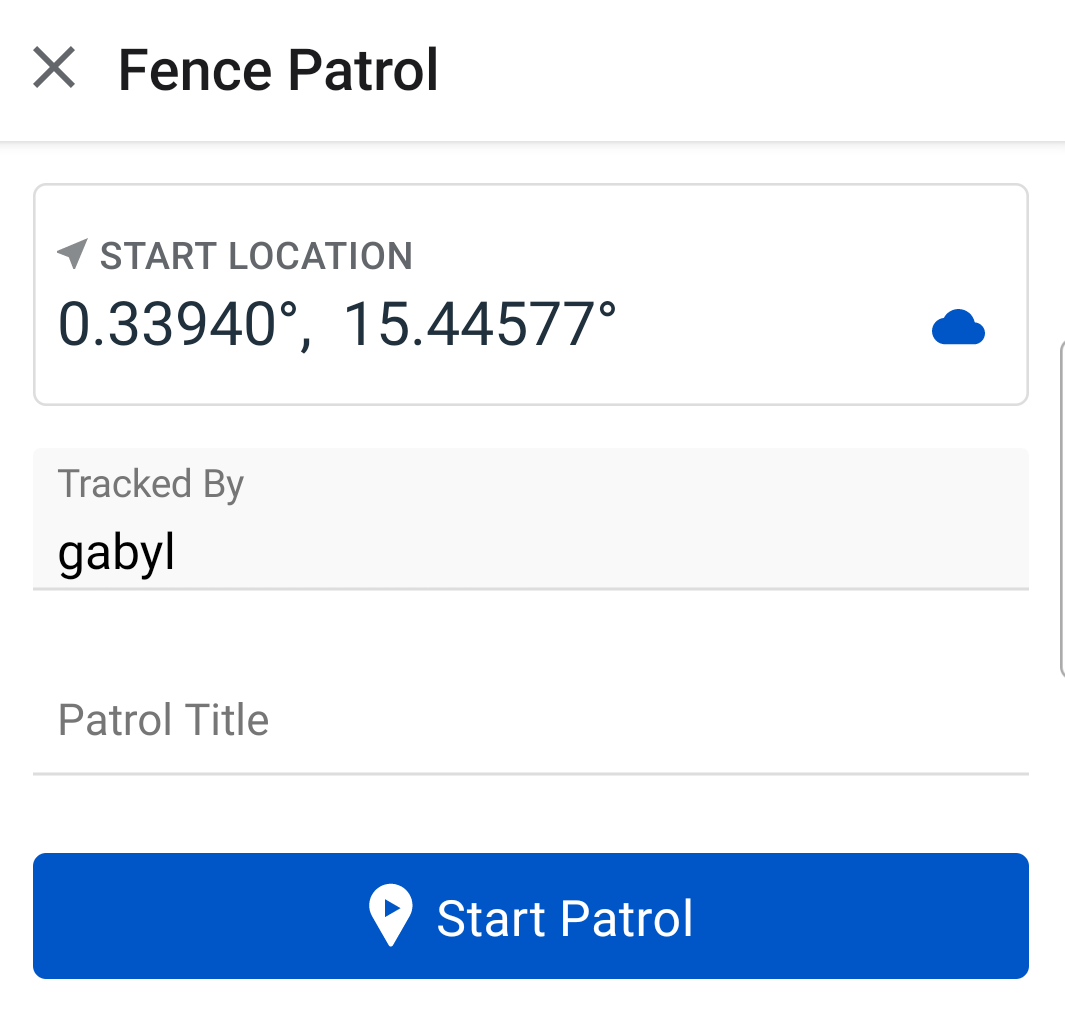
Enter an optional Patrol Title and tap Start Patrol |
 |
The patrol begins — no event is created |
 |
Patrol Info: ON
When Patrol Info is on, an Event of the configured type opens automatically each time a Patrol is started. The user completes and submits the Event before the Patrol begins.
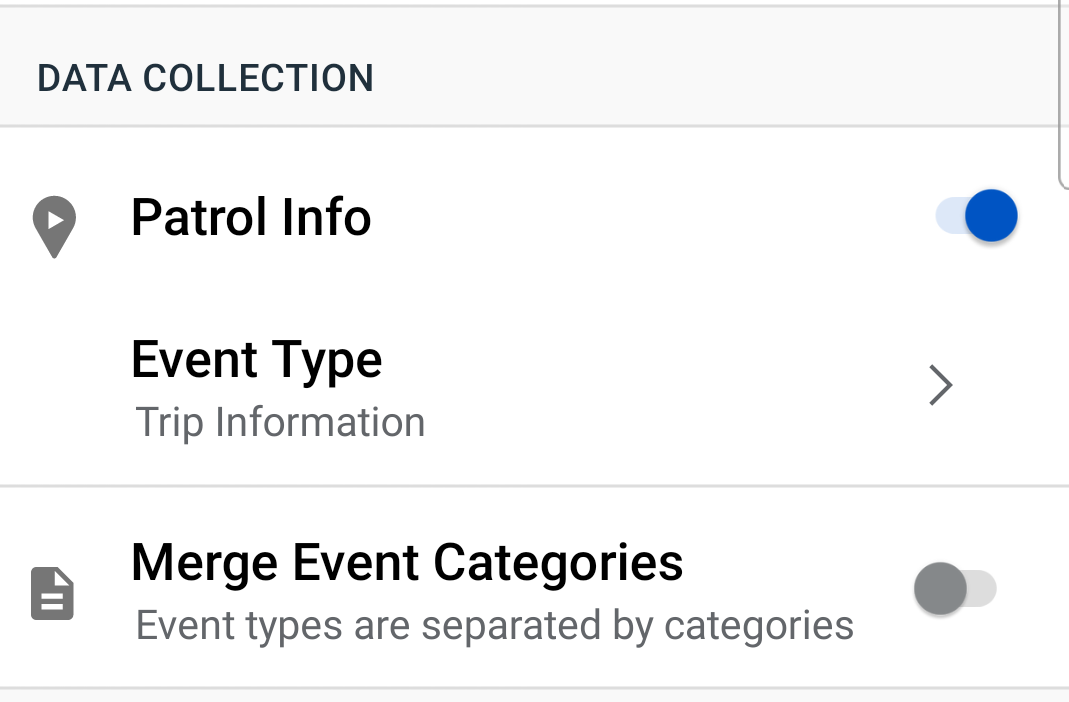
| Go to Settings > Patrol Info and turn the toggle on |
|
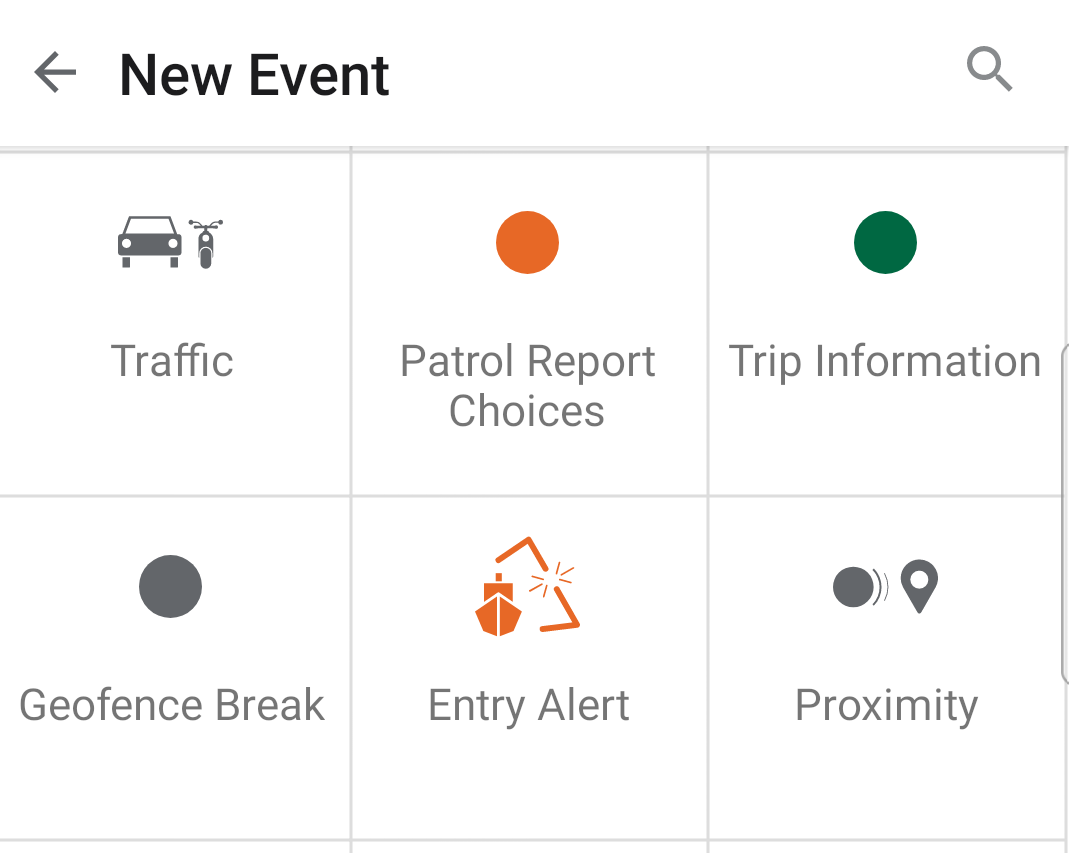
Select the Event Type to link to Patrols. |
 |
| Tap Start Patrol (from the Patrols view or the Map view) |
|
Select a Patrol Type |
|
Enter an optional Patrol Title and tap Start Patrol |
|
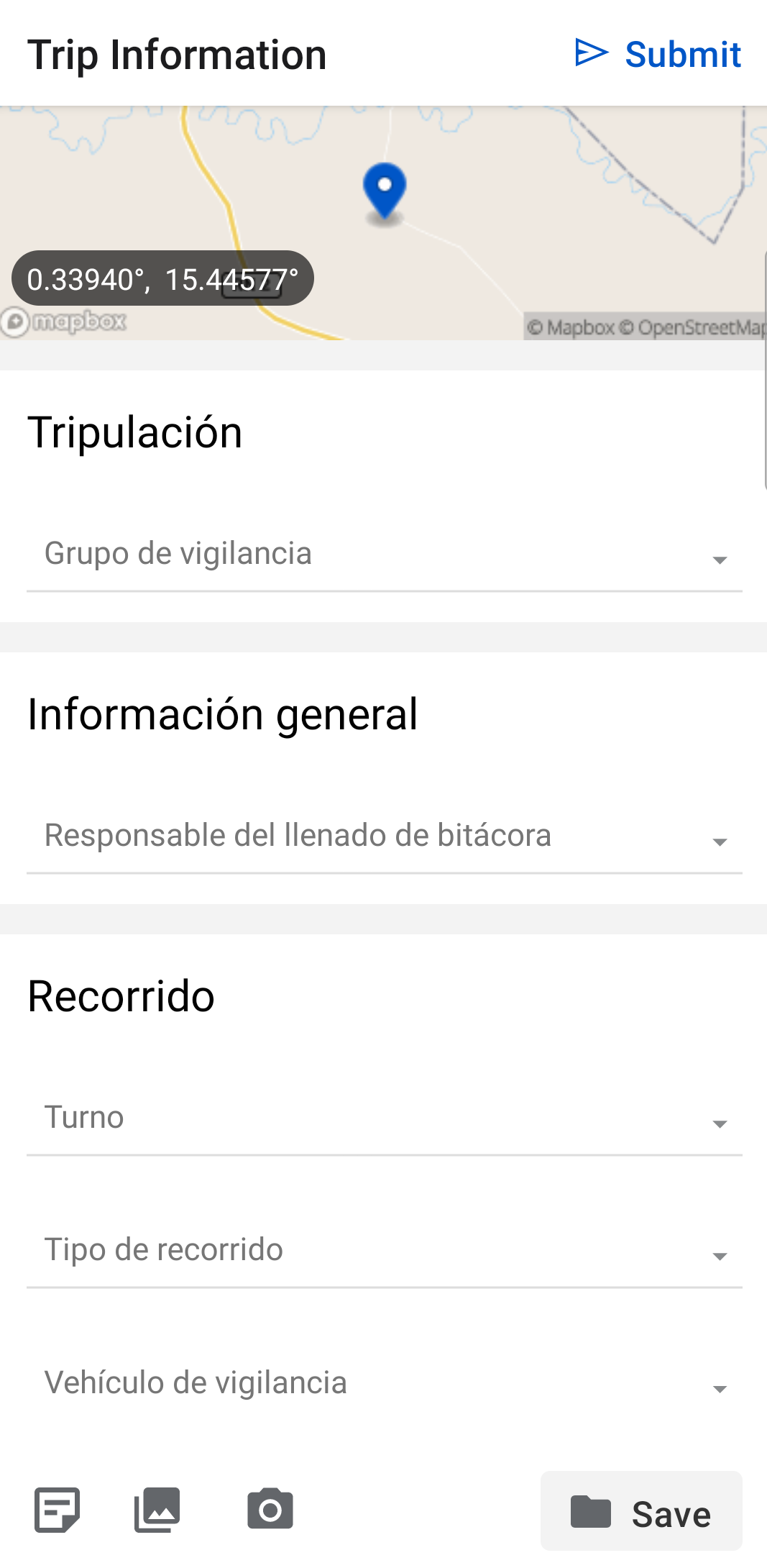
The linked Event form opens automatically — complete and submit it |
|
The Patrol starts and the submitted event is linked to it |
|
The linked event appears in the EarthRanger event feed and is associated with the patrol record.
Note: By default, the first event type in your available list is pre-selected. To change the default order, edit the Ordernum setting for each event type in the EarthRanger admin interface.
Choosing or creating an event type for Patrol Info
ou can use any existing event type or create a custom one specifically for patrol documentation. A custom "Patrol Info" event type can be built in the EarthRanger admin site with whatever fields your team needs.
Example: a "Patrol Details" event type
 |
 |
A site wants to capture the following at the start of every patrol:
- Patrol objective
- Team members on the patrol
- Mode of transportation
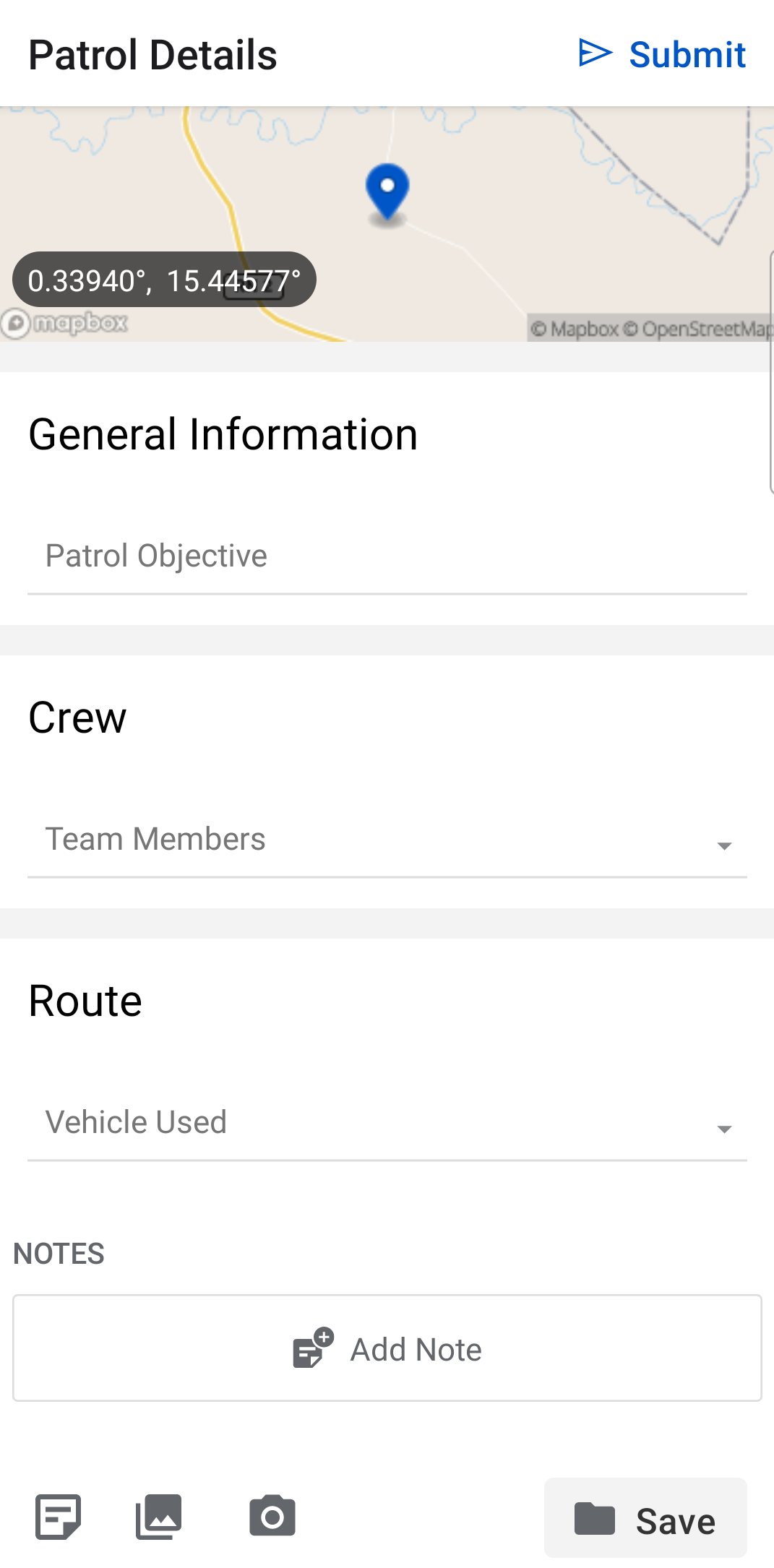
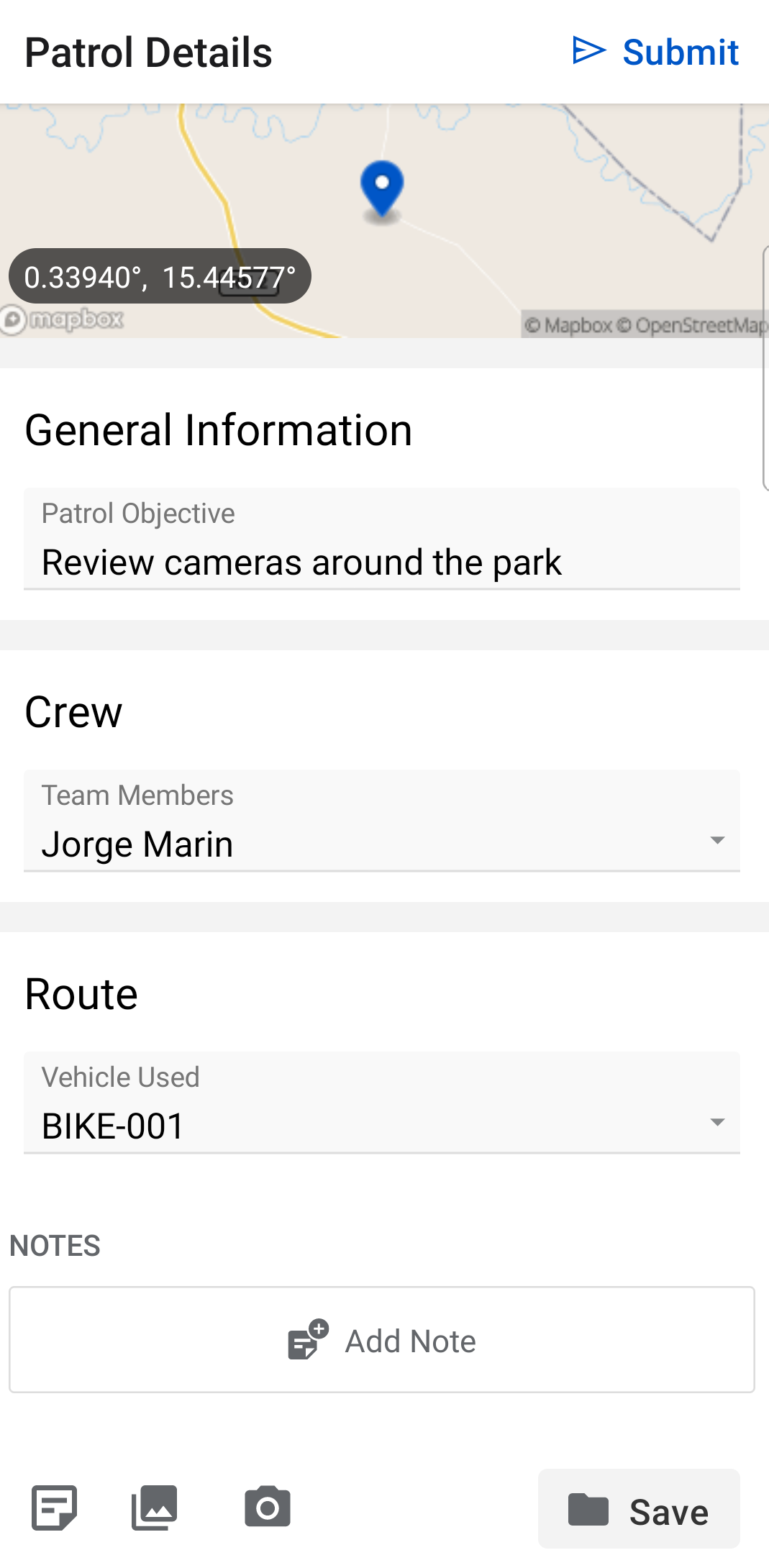
They create a custom event type called Patrol Details with three fields:
| Field name | Field type | Purpose |
| Patrol Objective | Full text | Free-text field for the patrol objective |
| Team Members | Checkbox | Multi-select list of team members |
| Vehicle Used | List of choices | Select from available transport modes |
To make Patrol Details the default selection when Patrol Info is on, they set its Ordernum to the lowest value of all available event types in the EarthRanger admin interface.
Now, every time a new patrol starts, the Patrol Details form opens automatically, is completed by the ranger, and is linked to that patrol — creating a structured record of every patrol's intent and team composition.
EarthRanger version 3.0.0